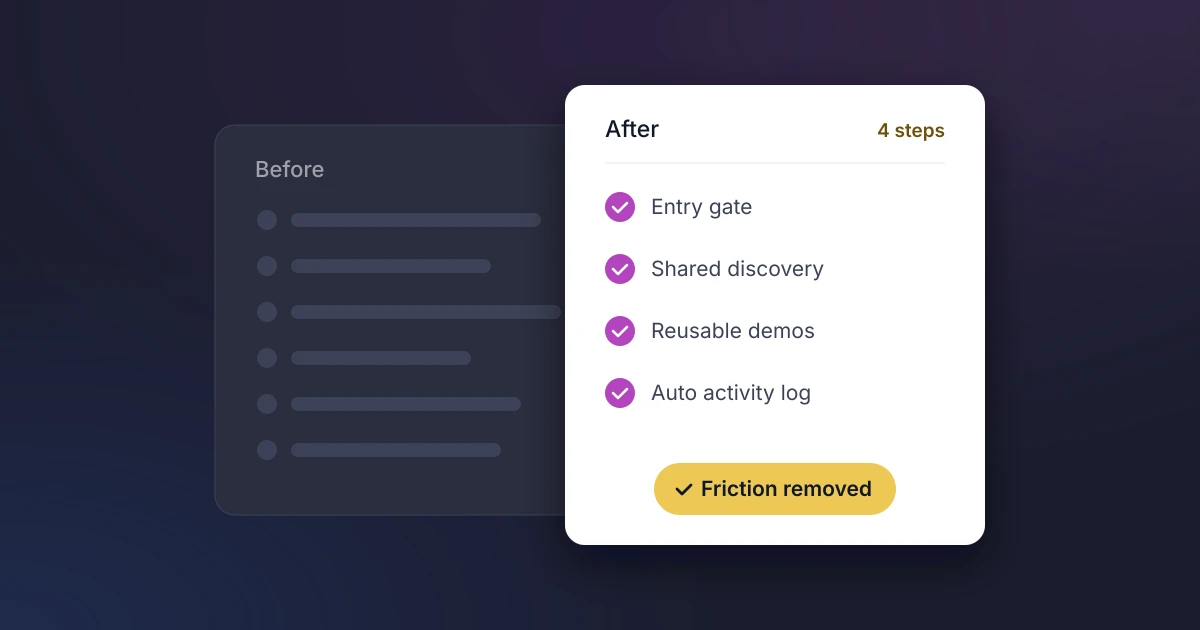
PreSales teams simplify their process by removing the work that does not move a deal forward: demos for buyers who are not qualified, notes typed into three different places, and handoffs where context gets lost. The fastest gains usually come from four changes: a clear entry gate for SE time, standard discovery, reusable demo assets and one record of every deal in the CRM.
Friction rarely comes from one big problem. It builds up from small ones, such as a demo request with no context, a POC with no agreed finish line, or a product gap that disappears into a Slack thread. This guide shows where that friction comes from, how to find it in your own team, seven ways to remove it, and how to tell whether the changes are working.
Where Does Friction in the PreSales Process Come From?
The 2026 Sales Engineering Compensation and Workload Report from Consensus, based on 423 PreSales professionals, puts numbers on what most SE leaders already feel:
- Only 56% of SE time goes on direct sales work. The rest goes on implementation, marketing, product work and other cross-functional requests.
- Nearly 37% of demos go to unqualified or under-qualified leads, up from 35% the year before.
- Nearly 73% of teams do only minimal or informal discovery before a demo.
- 28% of SEs spend six hours or more preparing for and following up on a single demo.
- Persistent to significant burnout rose from 17% to 37% of respondents in a year.
Buyers are changing too. Gartner found that 67% of B2B buyers prefer a rep-free experience, yet 69% turn to sales reps to validate AI-generated insights. Buyers arrive better researched and with sharper technical questions, so every hour an SE spends on admin or a poorly qualified demo is an hour taken from the conversations buyers still want a person for.
Start With a Quick Process Audit
Before changing anything, map what happens today. Take five recent deals, won and lost, and trace each one from the first SE request to the technical decision. For every step, note who did it, how long it took, where the information was recorded and where the deal waited. The friction points usually show up quickly:
| Friction point | What it looks like | Simplest fix |
|---|---|---|
| Unqualified requests | Demos booked before pain, stakeholders or timing are known | An agreed entry gate for SE time |
| Repeated discovery | The buyer answers the same questions for the AE and the SE | One shared discovery template |
| Demo rebuilds | Each SE builds the same overview demo from scratch | Reusable demo assets and automated intro demos |
| Open-ended evaluations | POCs that drift because nobody agreed what success means | Written technical success criteria |
| Duplicate data entry | Meetings and notes logged in the CRM, a spreadsheet and Slack | Automatic activity capture into the CRM |
| Lost product feedback | Feature gaps raised in chat and never totaled | Structured gap tracking linked to the deal |
7 Ways to Simplify Your PreSales Process
1. Set an Entry Gate for SE Time
Agree with Sales leadership what an opportunity needs before an SE joins: for example, confirmed pain, a named technical stakeholder and a defined next step. Ask for every request in the same short format (account, stage, attendees, goal of the meeting and what the buyer has already seen). This one change cuts unqualified demos and gives SEs the context to prepare properly.
2. Standardize Discovery
In the same Consensus report, 34% of SEs ranked discovery as the activity that most improves outcomes, yet most teams run it informally. Build one discovery template shared by the AE and SE, covering business pain, current tools, integrations, security requirements and how the buyer will decide. The buyer answers each question once, and both sides start the demo from the same facts.
3. Reuse Demo Assets
Most overview demos cover the same ground. Build a small library of standard demo flows by persona or use case, and consider an interactive or recorded demo for first-look requests so live SE time goes to tailored sessions. Our guide to PreSales AI tools covers the main demo automation options.
4. Agree Technical Success Criteria Up Front
Evaluations drag when nobody knows what “done” looks like. Write down the must-have requirements, integration needs, security checks and any POC success criteria during discovery, and get the buyer to confirm them. That gives the evaluation a finish line and makes the technical win something you can measure rather than debate.
5. Capture Activity Automatically
Manual activity logging is the admin SEs skip first, which leaves leaders guessing where time goes. Sync calendars so meetings are logged against the right opportunity without anyone typing them in. You get accurate data on SE effort per deal with no extra work for the team.
6. Keep One Record of Every Deal
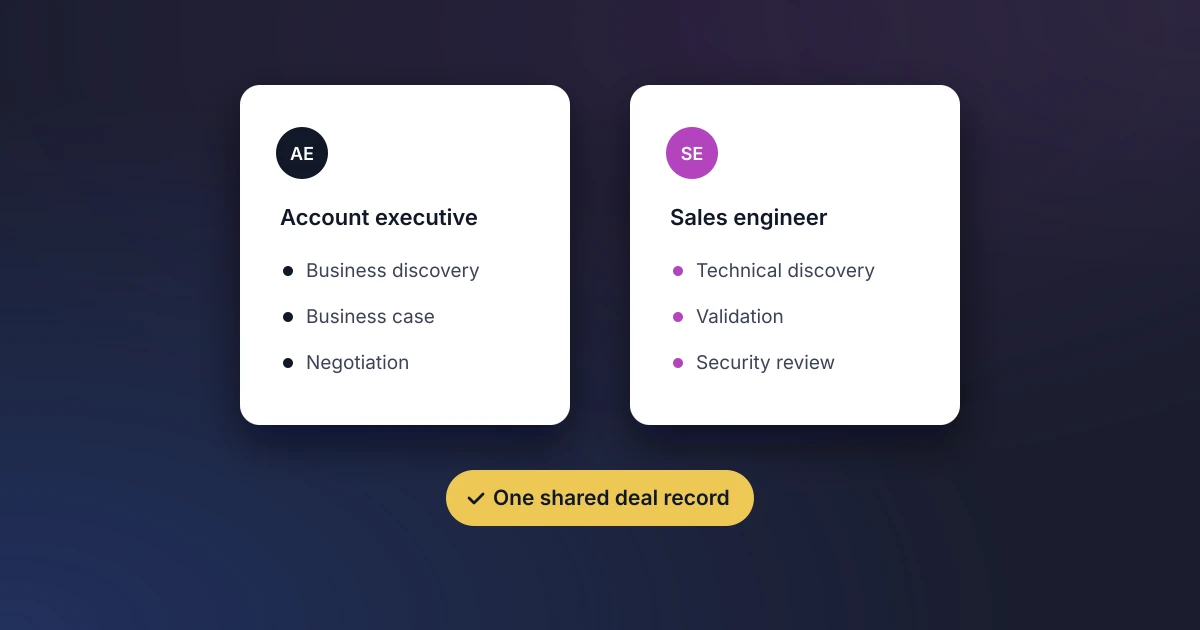
When technical notes live in documents and chat threads, the AE cannot see them, the forecast ignores them and they vanish when an SE moves on. Put technical status, risks and requirements on the Opportunity record in structured fields, so Sales and PreSales read the same deal. Our guide to Sales and PreSales collaboration covers who owns what at each stage.
7. Route Product Gaps to Product, Not Slack
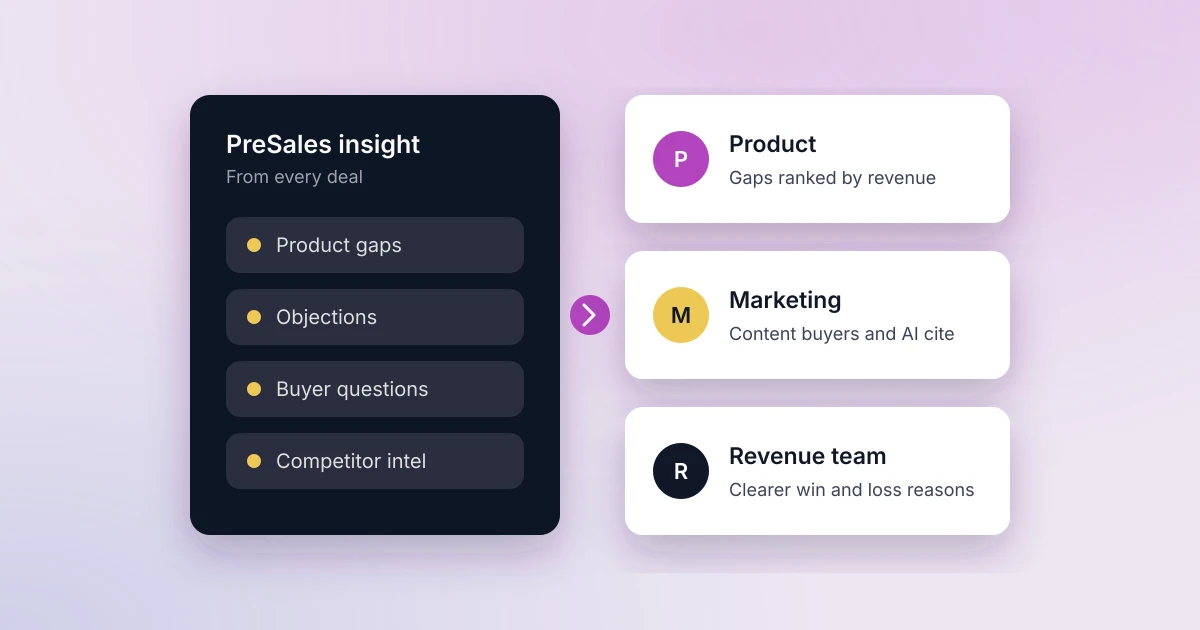
SEs hear about missing capabilities before anyone else, but that feedback is usually scattered across messages and meeting notes. Record each gap against the opportunity it affects and send it to your product backlog, so Product sees which gaps are costing revenue and SEs stop re-explaining the same request.
What Should You Not Simplify?
Simplifying the process is not the same as cutting corners. Keep these as rigorous as they need to be:
- Discovery depth on complex deals. A standard template is a starting point, not a script.
- Security and IT review. Shortcuts here come back as delays in procurement.
- SE judgment. Automation should handle logging and preparation, while SEs still decide whether a requirement is truly met.
How Do You Know It’s Working?
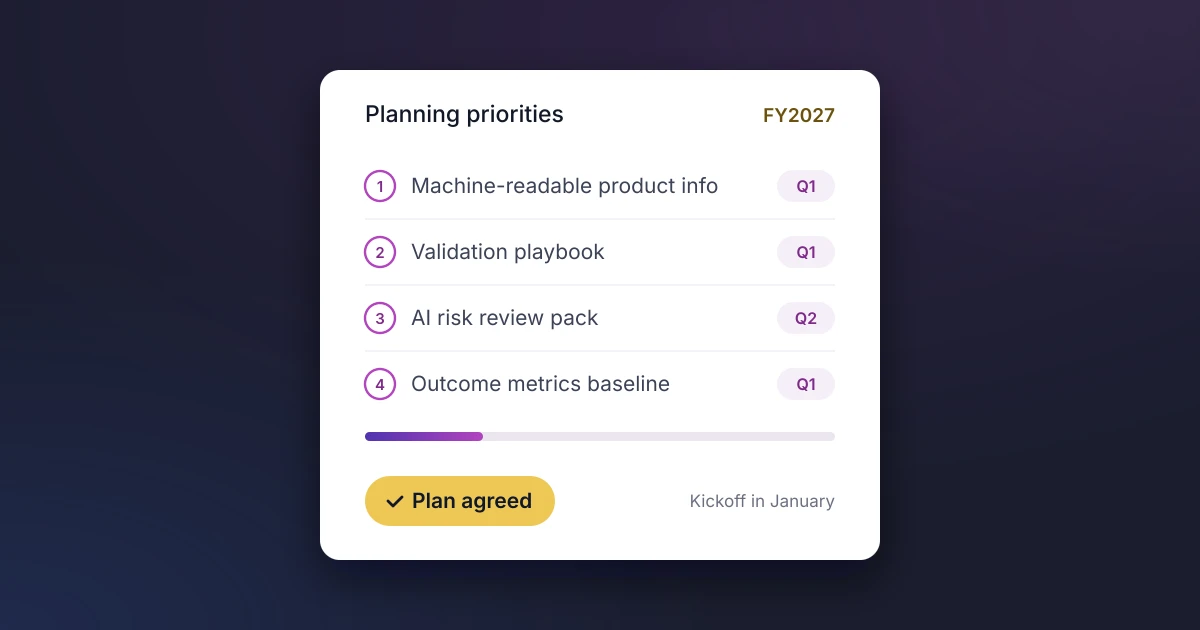
Record a baseline before you change anything, then review these metrics each quarter:
- Share of demos that meet the entry gate: should rise as requests improve.
- Prep and follow-up hours per demo: should fall as assets are reused.
- Days from first SE meeting to technical decision: should shorten once success criteria are agreed early.
- Share of SE time on direct sales work: compare with the 56% Consensus benchmark.
- Technical win rate: should hold or improve. If it drops, you have simplified something that mattered.
Where Elvance Fits
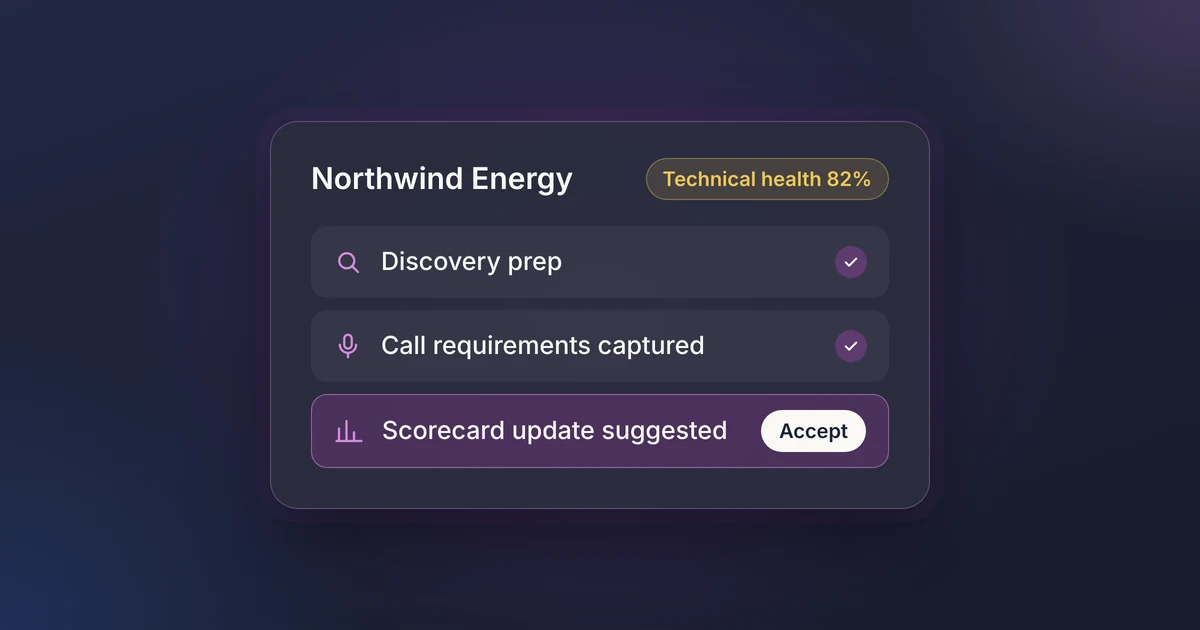
Elvance is the AI PreSales platform built inside Salesforce, so several of these steps happen on the records your revenue team already uses. AI technical scorecards grade each opportunity against your criteria, using MEDDIC or your own templates. Google Calendar and Outlook sync logs SE meetings against the right opportunity automatically, risks are tracked to resolution, and product gaps flow into Jira, Linear or ProductBoard. Because the data is native to Salesforce, the metrics above work in standard reports and dashboards.
Frequently Asked Questions
What is the PreSales process?
The PreSales process covers the technical side of a deal. It runs from qualification and discovery through demos, proof of concept and security review, to the technical decision. Sales engineers or solution consultants usually lead it alongside the account executive.
What causes friction in PreSales?
Mostly work that does not move the deal forward. The most common causes are unqualified demo requests, informal discovery, rebuilding the same demos, evaluations without agreed success criteria, and deal information spread across tools instead of the CRM.
Can AI simplify the PreSales process?
Yes, for repetitive work. That includes logging activity, drafting RFP answers, preparing demos and summarizing calls. In the Consensus report, 88% of SEs saw some productivity gain from AI, though most called it slight or moderate, so fix the process first and add AI where it removes clear manual steps.
See how PreSales data lives on the Salesforce Opportunity: book a demo.