Logging PreSales activity shouldn’t mean retyping your calendar into Salesforce. That’s why we built a Google Calendar integration for Elvance. It turns the meetings already in your calendar into logged activities, so you spend less time on admin and more time with customers.
Log Activities Straight From Your Calendar
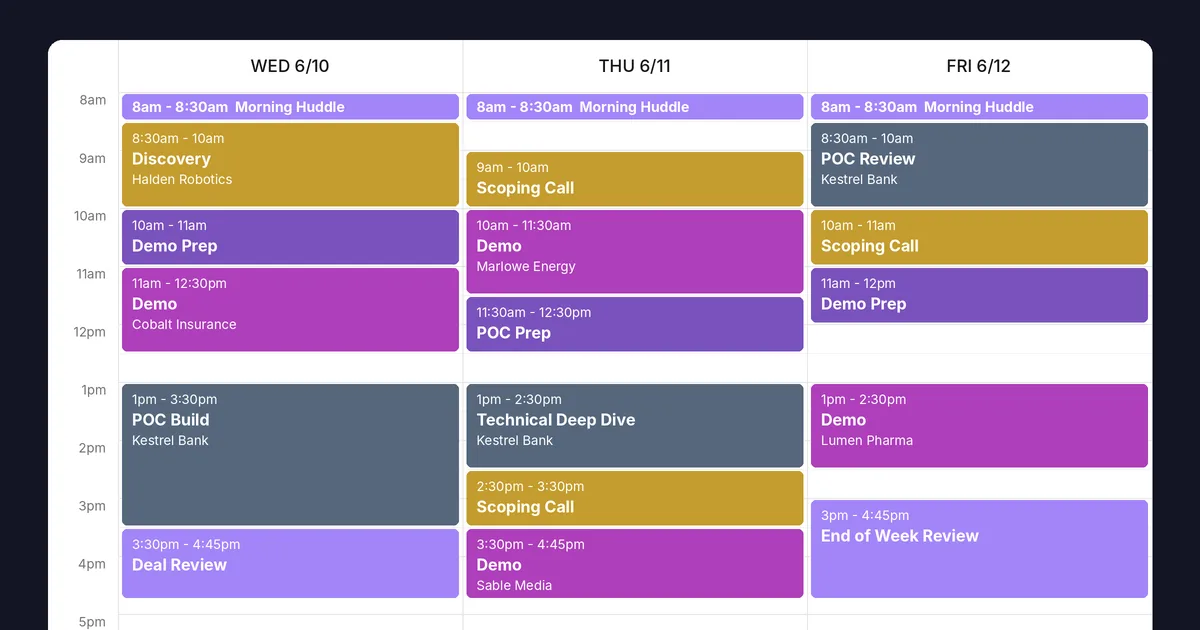
Manual data entry slows every sales engineer down. Instead, the integration gives you an intuitive calendar view where you log activities in a few clicks. As a result, you no longer jump between tabs and interfaces, because your calendar becomes the center of your activity tracking.
AI Predictions Fill in the Details
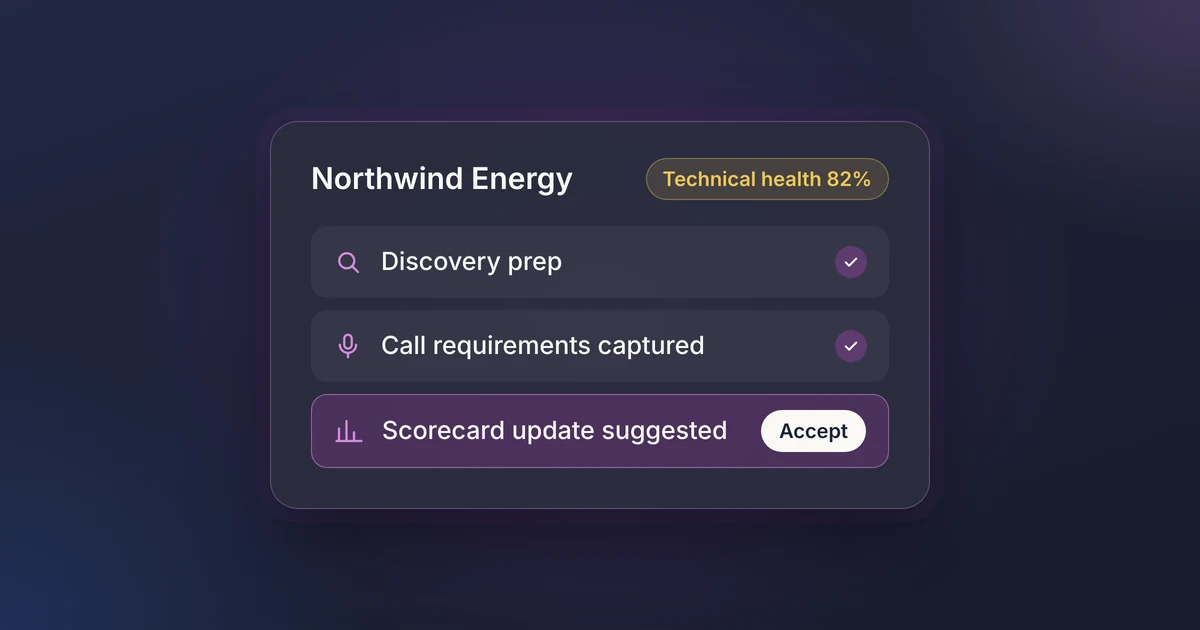
Next, Elvance predicts the details for each meeting, including the related opportunity, activity type, duration and other inputs. You then review each prediction and save it. In other words, the system does the heavy lifting while you focus on what matters.
Log a Full Week in Seconds
With mass activity entry, you can sync an entire week of activities in seconds. Because AI predictions complete the inputs for you, you simply check each entry and save. Therefore, the end-of-week logging session becomes a quick review rather than a chore.
Real-Time Updates and Advanced Filtering
Plans change, so Elvance updates activities in real time and highlights anything still pending. In addition, advanced filters help you find exactly the activities you need, which keeps your data organized.
For PreSales Leaders: Clear Visibility Across Your Team
For PreSales leaders, the integration shows where your team’s time goes. Beyond deal work, you can track and report on the other areas your team supports, such as customer success, support and marketing. As a result, all of it sits in one central hub.
Microsoft Outlook Is Now Supported
Since this launch, we have also added a Microsoft Outlook integration. Teams on either calendar can now capture activity the same way. You can see the full list on our integrations page.
Ready to spend less time logging activity? Book a demo to see the calendar integration in action.