PreSales automation takes repetitive admin and preparation off sales engineers, so they can spend more time on discovery and technical validation. It works best when it reads from trusted deal data, writes results back to the CRM, and leaves judgment calls with the SE.
Most teams already automate something, such as call recording or a demo tool. Few have a clear view of what to automate next, which data it should draw on, or how to judge the software that promises to do it. This guide covers all three, with a five-level maturity model you can use to place your team today and plan the next step.
What Is PreSales Automation?
PreSales automation is any tool or workflow that completes PreSales work without an SE doing it by hand. That includes logging meetings, updating technical scorecards, routing product gaps, drafting RFP answers and building first-look demos.
It is not the automation of judgment. Deciding whether a requirement is truly met, whether a proof of concept is worth running or whether a deal deserves more SE time still needs an experienced person. The goal is to remove the work around those decisions, not the decisions themselves.
The case for it is clear. In the 2026 Sales Engineering Compensation and Workload Report from Consensus, SEs spent only 56% of their time on direct sales work, 28% spent six hours or more preparing for and following up on a single demo, and the most common wish for improving their working life was fewer repetitive tasks.
The PreSales Automation Maturity Model
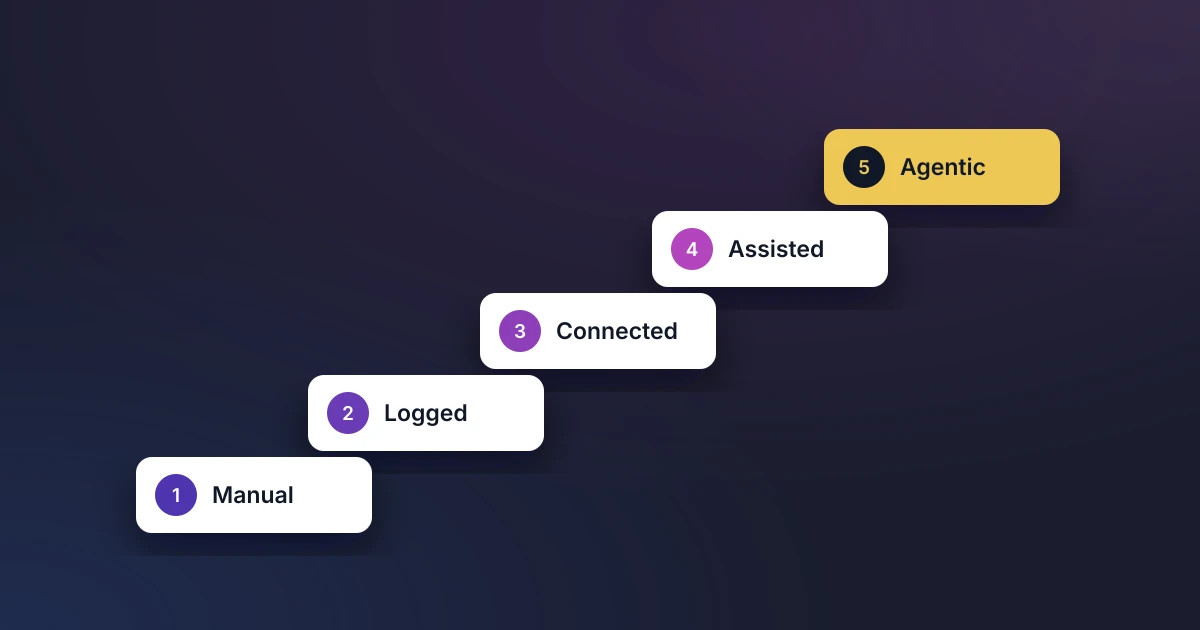
Teams tend to move through five levels. Each one builds on the data foundations of the level before, so skipping ahead rarely works.
| Level | What it looks like | Typical sign | Next step |
|---|---|---|---|
| 1. Manual | SEs track deals in spreadsheets, documents and chat | Leaders chase updates before every forecast call | Agree the fields that matter and put them on the opportunity |
| 2. Logged | Structured fields exist in the CRM, but SEs fill them in by hand | Data is patchy and weeks out of date | Connect the sources that already hold the data |
| 3. Connected | Calendar, call and product backlog data flow into the CRM automatically | Activity and gap data are complete without extra effort | Add AI that suggests updates from that data |
| 4. Assisted | AI suggests scorecard changes, flags risks and drafts answers, and SEs confirm | SEs review rather than type | Let assistants act on deal data through governed connections |
| 5. Agentic | AI assistants and agents query and update deal data under each user’s permissions | SEs and leaders ask questions instead of building reports | Measure outcomes and keep humans approving changes |
Our view: most PreSales teams sit at level 2. The jump to level 3 usually delivers the biggest gain, because it fixes the data that every later level depends on.
What Data Sources Should PreSales Automation Use?
PreSales automation should use the sources that record what actually happened on a deal: the CRM opportunity, meeting activity, call transcripts, technical scorecards and risks, the product backlog and your approved content library. Automation is only as good as the evidence it reads, and disconnected data is the most common reason AI projects disappoint. In Salesforce’s State of Sales 2026 research, 51% of sales leaders using AI said disconnected systems delay or limit their AI initiatives.
| Data source | What it tells you | Automation it enables |
|---|---|---|
| CRM opportunity and account | Stage, value, owner, close date and history | Prioritizing SE time and reporting impact on revenue |
| Calendar and meeting activity | Who met whom, when and for how long | Automatic activity logging and SE capacity reporting |
| Call transcripts | What the customer actually said | Evidence for scorecard updates and risk detection |
| Technical scorecards and risks | Where the technical evaluation stands | Win predictions and early warning on deals |
| Product backlog | Which gaps exist and their status | Routing gaps to Product with revenue attached |
| Approved content library | Your best answers to security and RFP questions | Drafting questionnaire and RFP responses |
Four rules keep that data useful:
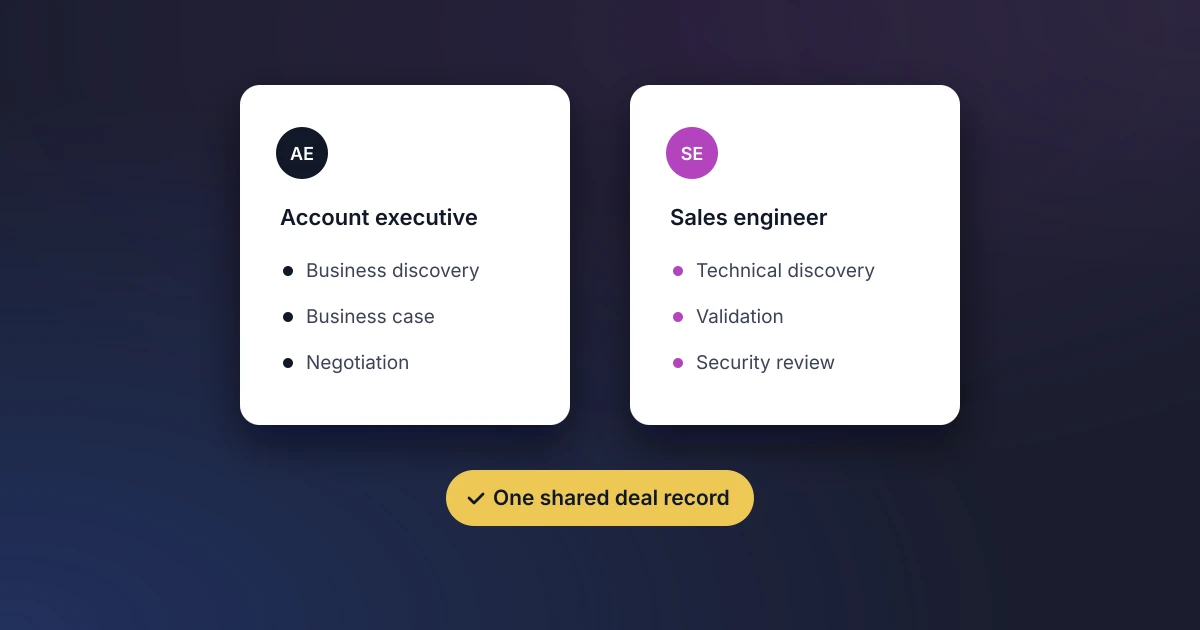
- One system of record. Results should land on the opportunity in your CRM, not in a separate tool that someone has to reconcile later.
- Structured, not free text. Picklists and defined fields let automation and reporting work. Long notes do not.
- The user’s own permissions. Automation should never see or change more than the person it acts for.
- Fresh by default. Data captured automatically at the moment it happens beats data typed in on Friday afternoon.
Gartner makes a similar point for sales more broadly. Alongside its prediction that AI agents will outnumber sellers 10 to 1 by 2028, it recommends a central context layer that connects enterprise data, systems and seller judgment, so agents give answers specific to your business.
How Should Revenue Teams Evaluate PreSales Automation Software?
Revenue teams should evaluate PreSales automation software on six criteria: the data it can access, whether it writes back to the CRM, security and AI governance, the effort to adopt it, the outcomes it measures and its total cost. Weight them to suit your team, then score each vendor against the same list. The weights below are a starting point, not a standard.
| Criterion | Suggested weight | Question to ask the vendor |
|---|---|---|
| Data access | 25% | Which of our data sources can it read, and how current is that data? |
| CRM write-back | 20% | Where do results land, and do they update the records our forecast uses? |
| Security and AI governance | 20% | Whose identity does it act as, what can it change, and which sub-processors are involved? |
| Adoption effort | 15% | How long does setup take, and what extra work does it ask of SEs each week? |
| Measurable outcomes | 10% | Which metrics will show it is working, and can we report them ourselves? |
| Total cost | 10% | What do licenses, implementation and admin cost over three years? |
Give security extra time if the product includes AI. Forrester’s Predictions 2027 expects risk reviews to delay or block one-third of enterprise AI software purchases, and notes that more than half of AI purchases already involve four or more departments. Bringing your security team in at the start avoids a late surprise.
Watch for two warning signs during evaluation. A tool that needs its own separate workspace adds a second place for deal truth to drift. A demo that only works on the vendor’s sample data tells you little about how it will handle yours, so ask to test it on real opportunities.
Where Should You Start?
For most teams, three automations deliver value quickly and build the data foundation for everything else:
- Activity capture. Sync calendars so SE meetings are logged against the right opportunity automatically. This gives you accurate capacity and cost-of-sale data with no extra effort.
- Technical scorecards with AI suggestions. Track the technical win on every deal, and let AI propose updates from call evidence for the SE to confirm.
- Product gap routing. Send each gap from the deal to your product backlog with the opportunity value attached.
Fix the process before you automate it. Automating an unclear workflow only makes the confusion faster. Our guide to simplifying your PreSales process covers the changes that remove friction first, and our guide to PreSales AI tools maps the main options by category.
How Do You Measure PreSales Automation?
Record a baseline before rollout, then compare each quarter:
- Share of SE time on direct sales work: compare with the 56% Consensus figure.
- Prep and follow-up hours per demo: should fall as preparation is automated.
- Data completeness: the share of opportunities with a current scorecard and logged SE activity.
- Technical win rate and days to technical win: should hold or improve. A drop means automation is taking something away that mattered.
Treat AI gains with realism. The same Consensus report found that 88% of SEs see some productivity gain from AI, but nearly 73% describe it as slight or moderate. Teams that measure carefully can tell which tools deserve more investment.
Where Elvance Fits
Elvance is the AI PreSales platform built inside Salesforce, designed to take teams from level 2 to level 5 on the records they already use. Calendar sync with Google and Outlook logs SE activity automatically. AI technical scorecards suggest updates for SEs to confirm, risks stay visible until someone resolves them, and product gaps flow into Jira, Linear or ProductBoard. The Elvance MCP connector lets AI assistants such as Claude query and update that deal data under each user’s own Salesforce permissions.
Frequently Asked Questions
What is PreSales automation?
It is software that completes repetitive PreSales work without an SE doing it by hand. Examples include logging meetings, updating technical scorecards, routing product gaps and drafting RFP answers. Judgment calls stay with the SE.
What data sources should PreSales automation use?
The sources that record what actually happened on each deal. That means the CRM opportunity, calendar activity, call transcripts, technical scorecards and risks, the product backlog and your approved content library, with results written back to the opportunity.
How should revenue teams evaluate PreSales automation software?
Score every vendor against the same six criteria. Look at data access, CRM write-back, security and AI governance, adoption effort, measurable outcomes and total cost, and test each tool on your own opportunities rather than sample data.
Will automation replace sales engineers?
No. Automation removes admin and preparation so SEs can spend more time on discovery and technical validation. Deciding whether a solution truly meets a buyer’s needs still takes an experienced SE.
See where your team sits on the maturity model, and what level 3 looks like in Salesforce: book a demo.