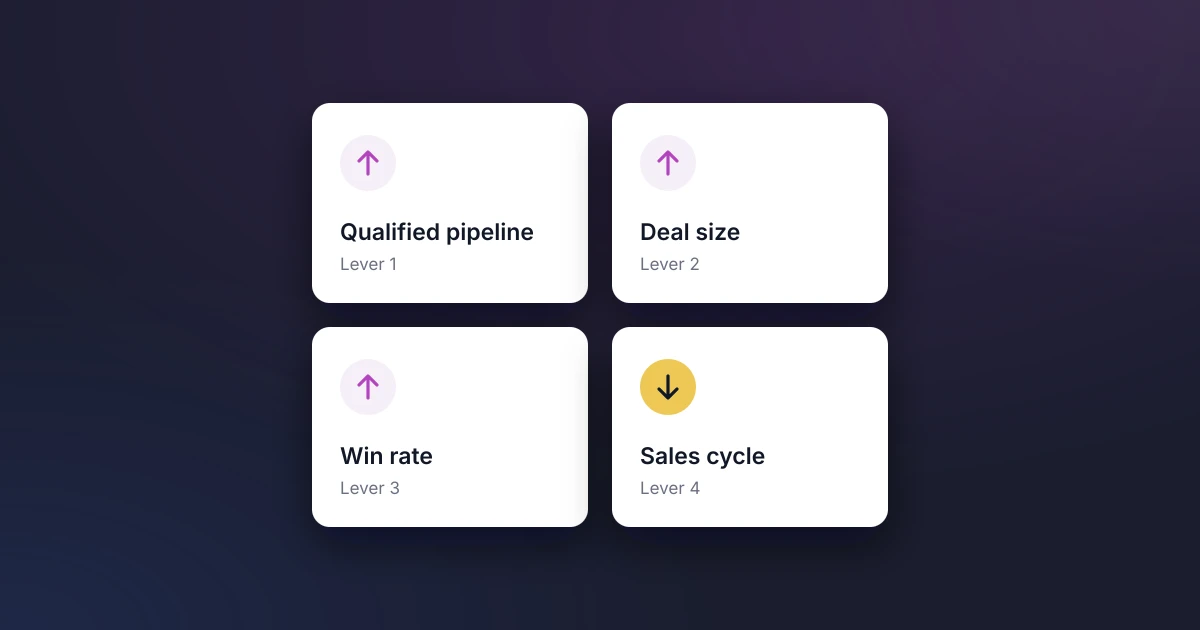
PreSales teams accelerate revenue by improving the four inputs that decide how fast a pipeline turns into closed business: the number of qualified opportunities, average deal size, win rate and sales cycle length. Sales engineers influence all four, which is why small improvements in PreSales can have an outsized effect on revenue.
This guide explains the sales velocity formula, shows how the levers compound, and sets out what PreSales can do to move each one. It ends with the metrics that prove the impact to your CRO.
The Sales Velocity Formula
Sales velocity measures how much revenue your pipeline produces per day. Salesforce defines it as:
Sales velocity = (opportunities × average deal value × win rate) ÷ sales cycle length in days
Here is an illustrative example. A team with 50 qualified opportunities, a $100,000 average deal, a 25% win rate and a 240-day sales cycle produces about $5,200 of revenue per day. Improve each of the four levers by 10% (55 opportunities, a $110,000 deal, a 27.5% win rate and a 216-day cycle) and velocity rises to about $7,700 per day, an increase of roughly 48%.
The numbers are round on purpose, but the point holds for any team: modest gains on several levers multiply, rather than add up. The example uses a $100,000 deal because that is the median deal size in the 2026 Sales Engineering Compensation and Workload Report from Consensus.
Why PreSales Moves Every Lever
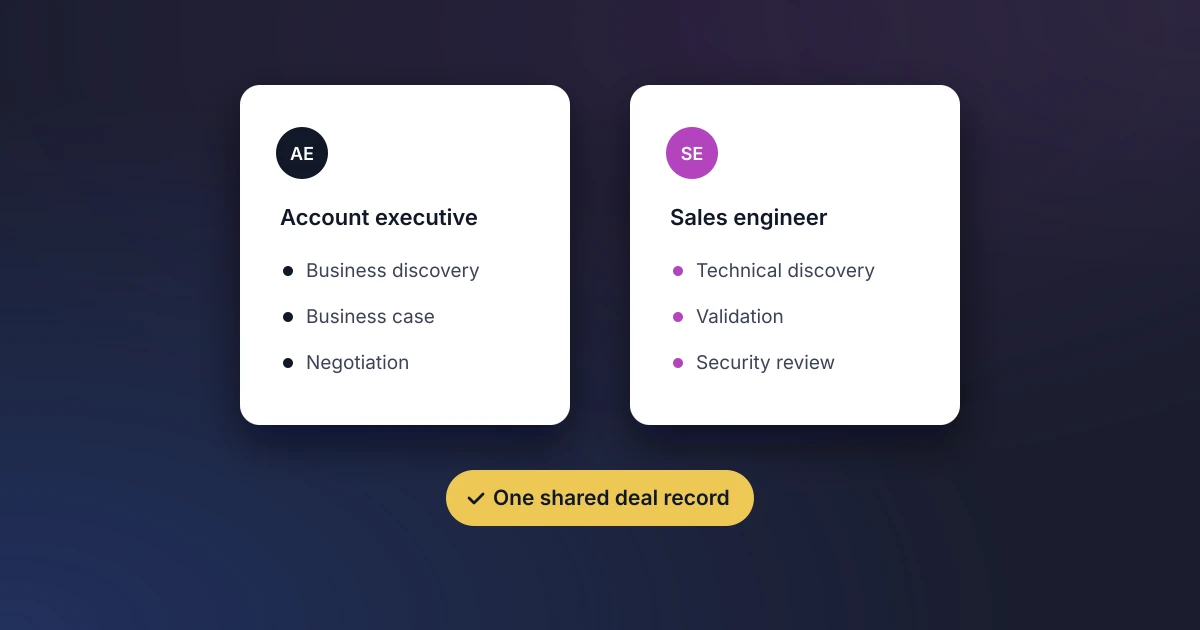
Sales engineers work on deals from qualification to the technical decision, so they shape which deals stay in the pipeline, how large they become, whether they close and how long they take. Research on this is not new. In a McKinsey analysis, To Improve Sales, Pay More Attention to Presales (2015), the authors found that strengthening presales could add about five points to conversion rates, lift revenue by 6% to 13% and move prospects through the sales process 10% to 20% faster. The figures are a decade old, but the mechanism matters even more now that buyers do more of their research alone.
Lever 1: Grow Qualified Pipeline
More pipeline is not always better pipeline. Consensus found that nearly 37% of demos go to unqualified or under-qualified leads, which inflates the opportunity count while draining SE time. PreSales grows qualified pipeline by:
- Agreeing an entry gate for SE involvement, so technical time goes to deals you can win.
- Checking technical fit early, so poor-fit deals leave the pipeline before they absorb a demo and a proof of concept.
- Using recorded or interactive demos for first-look requests, so live SE time goes on opportunities that are ready for it.
Our guide to simplifying your PreSales process covers these steps in more detail.
Lever 2: Increase Deal Size
Discovery sets deal size. An SE who understands the buyer’s environment can spot additional use cases, teams and integrations that justify a larger scope. Reaching more of the buying group helps too: in the Consensus report, stakeholders that sellers discovered during the sales process engaged with demo content at 61%, compared with 28% for the original recipients.
- Run technical discovery across every team that will use or support the product.
- Tie each requirement to a business outcome the economic buyer cares about.
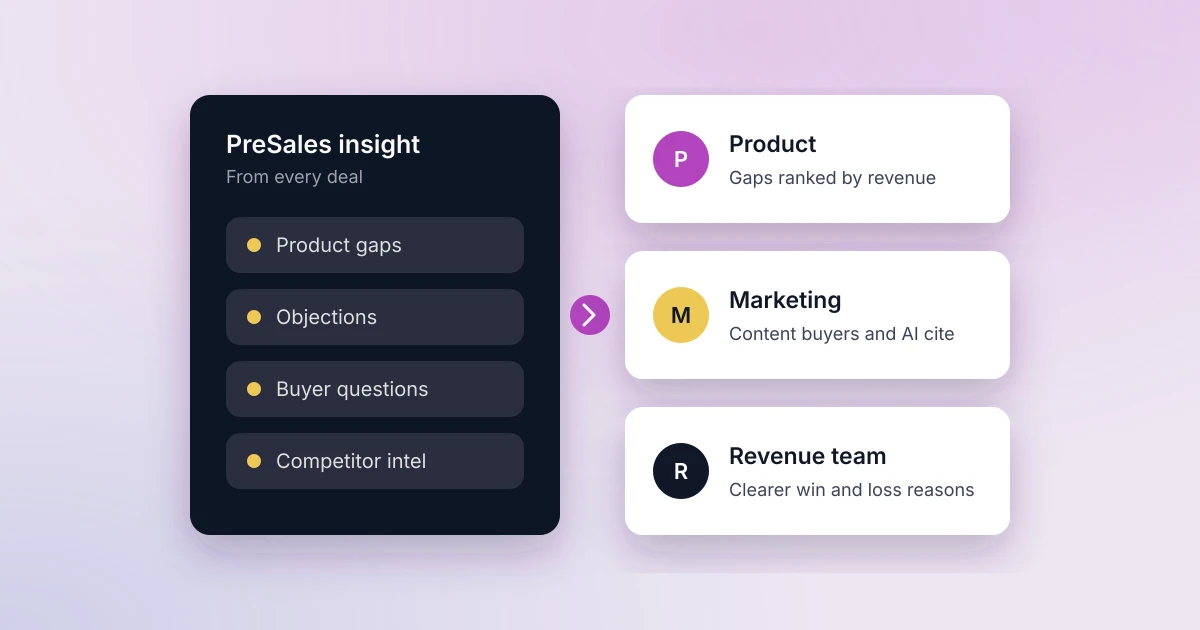
- Record product gaps and future requirements, as they often point to expansion later.
Lever 3: Raise Win Rate
Win rate is where PreSales impact is most visible. Buyers may research alone, but Gartner found that 69% of B2B buyers turn to sales reps to validate AI-generated insights. The technical evaluation is often that validation.
- Agree written technical success criteria with the buyer before the evaluation starts.
- Track risks on each deal and assign an owner to resolve them.
- Declare the technical win only when named technical stakeholders confirm that the solution meets the criteria.
Lever 4: Shorten the Sales Cycle
Consensus reported that the average sales cycle in its sample shortened from nine months to 7.9 months, but technical evaluations are still where many deals stall. Open-ended proofs of concept, late security reviews and slow access to the product all add weeks. In the same report, nearly 80% of respondents said buyers wait three to ten business days for product access.
- Give every proof of concept an agreed scope, success criteria and end date.
- Bring security and IT stakeholders in early, with a ready-made security pack.
- Track days from first SE meeting to technical decision, and review deals that run long.
How Do You Measure PreSales Impact on Revenue?
Report the levers in terms the revenue team already uses. Four comparisons tell the story:
| Lever | Metric to track | What it shows |
|---|---|---|
| Qualified pipeline | Share of SE-supported opportunities that meet your entry gate | Whether SE time goes to winnable deals |
| Deal size | Average deal value with and without SE involvement | How much technical discovery expands scope |
| Win rate | Technical win rate and technical win to close rate | How often SEs win the technical evaluation, and how often those wins convert |
| Sales cycle | Days from first SE meeting to technical decision | Where technical evaluations stall |
Set a baseline for each metric this quarter, then compare deals with and without SE involvement. That comparison is the clearest evidence of what PreSales adds, and it is far more persuasive to a CRO than activity counts. For who owns each stage, see our guide to Sales and PreSales collaboration.
Where Elvance Fits
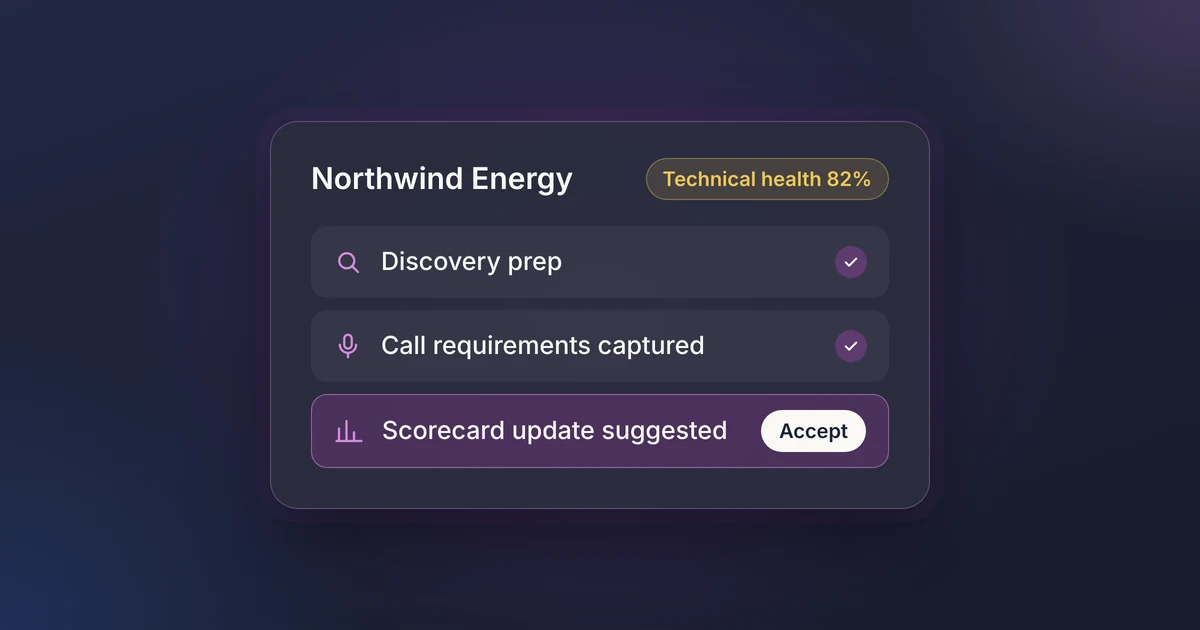
As the AI PreSales platform inside Salesforce, Elvance lets you measure every lever above on the Opportunity records your revenue team already uses. AI technical scorecards grade each deal against your criteria, teams track risks to resolution, and calendar sync with Google and Outlook logs SE activity automatically. Product gaps flow into Jira, Linear or ProductBoard with the revenue attached. Because the data is native to Salesforce, comparing win rate, deal size and cycle length with and without SE involvement works in standard reports and dashboards.
Frequently Asked Questions
What is sales velocity?
Sales velocity is the revenue a pipeline generates per day. To calculate it, multiply the number of opportunities, average deal value and win rate, then divide by the average sales cycle length in days.
How does PreSales affect revenue?
PreSales affects all four sales velocity levers. Sales engineers qualify technical fit, expand scope through discovery, win the technical evaluation and shorten the time it takes, so their work shows up in pipeline quality, deal size, win rate and cycle length.
Which lever should PreSales focus on first?
Start with the one your data shows is weakest. When you lose many SE-supported deals, focus on win rate. If evaluations drag, work on cycle length. And where SEs cover too many early-stage deals, start with qualification.
See how PreSales data drives revenue reporting in Salesforce: book a demo.